Once you start generating your own content, you will probably find yourself looking for a website where you can get free images, design resources, video and image editing software, and other similar tasks.
Every social media platform offers free tools that can help you with these, and some of them even do it automatically, but the resulting images look pretty much the same for everybody.
If you want your images to look different and reflect your brand’s personality, one option is to pay for third-party tools, which can be expensive for some budgets, especially if you are a small business.
Luckily, there are free tools for everything all over the internet, and most are really good at what they do. You just have to look for them and pick the one that works best for you.
It’s a matter of personal taste and whether the tool does whatever you need. The great news is that you can try them all and pick one because they are all free or have a free tier of service.
Unsplash and Pexels are two websites where you can get free images. It is always best to generate your pictures, but if you just need an image to go with a post, then you’re safe. Never use them on a campaign.
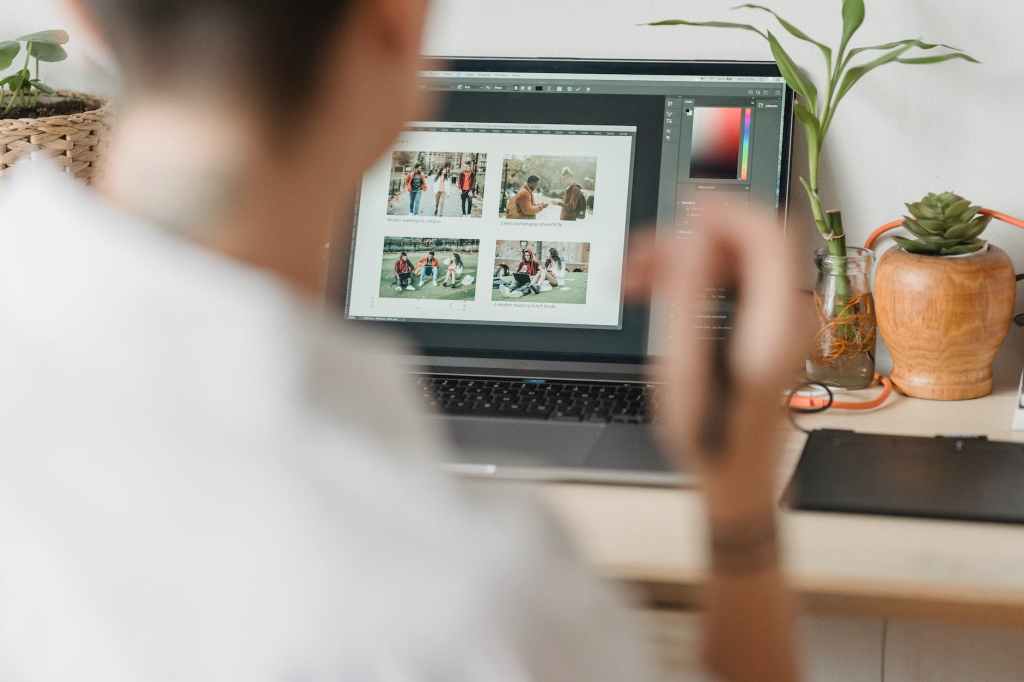
Maybe you want to modify that free image to make sure your post doesn’t look the same as everybody else’s. You could try Canva or Adobe Express to find some templates that help you make a composition.
If you need to take it a step further, you could use GIMP, a free open-source alternative to Photoshop. Maybe it lacks Adobe’s software most recent functionality, but it can do almost everything its paid cousin does.
You need to have some computer skills to use this kind of software, so if you want to keep things simple, stay with the first two options or try something like Picmonkey or Stencil.
Infogr.am lets you create infographics and maps that you can present to your audience. Piktochart is another popular tool that does the same thing and has a great free plan to start with.
Landscape is a great tool for resizing images that you want to use on social media. What I like about it is that you don’t need to remember the exact size in pixels for each platform, this tool does that for you and it stays updated.
Clipchamp is a free tool for editing video, in case you need something more than the native tools of Instagram, YouTube, or Vimeo. Adobe Express also has a free video editing tool with which you can start.
Like we said at the beginning of this post, there are tools for everything, and all you have to do is look for them on the internet and pick one. Don’t be afraid to try new things.
The worst thing that could happen is that you end up looking different than the rest of your competitors, and that is exactly what you want to do.
 Old Dog Digital